One folder in.
A whole batch out.
You send a folder of product photos and a short note. We give the order a delivery date the calendar can actually hold, produce it, check it by hand, and hand it back image by image.

Your order, end to end.
One service at a time, from the phone photo you send to the files that come back. Pick the one you need.
No date is printed until the calendar clears it.A reserved delivery date is confirmed before you pay, never after. If the week you need cannot be held, you hear that — not an optimistic guess. It is the one promise on this site we would rather lose an order over than break.
Pick one to follow
One path at a time. Catalog, lifestyle and video do not share a process, and a diagram that lays them over each other is wrong about all three.
-
You, on the site
You fill in the form and send your photos
Five screens: what you want made, your photos, a note on the look, when you need it, and a confirmation. Five minutes, however many products you have — and nothing is charged or booked yet.One set of choices for the whole order rather than product by product. Drag a folder in and we read the folder name as the product. Two shots per product are required, the front and the back; a detail and a worn shot are welcome if you have them. Phone photos on a table in daylight are exactly right.
-
You, on the site
You choose the look
One choice, applied to the whole order — that is what makes twenty products come back looking like one shoot.Which is why it is chosen up front rather than per image. Choosing per image turns one order into twenty separate jobs that happen to arrive together.
- White
- Off-white
- Beige
-
Us, before you pay
We check the calendar and confirm a delivery date
From 10 products the order goes into the calendar and gets a delivery date we reserve and confirm before you pay — in writing.If the week you need cannot be held, you are told that, with the next delivery date that can. No date is invented to keep an order. Below 10 products there is no delivery date to reserve: the order runs in the normal turnaround: as soon as it is ready (often within a day, sometimes a few days).
-
You, by email
You pay, and production starts
A confirmation email arrives with the payment link. The order does not enter production until that payment is completed.The invoice follows automatically, and from that moment the order is visible in your account with its own timeline.
-
Us, in production
A face is added, and every product runs as one batch
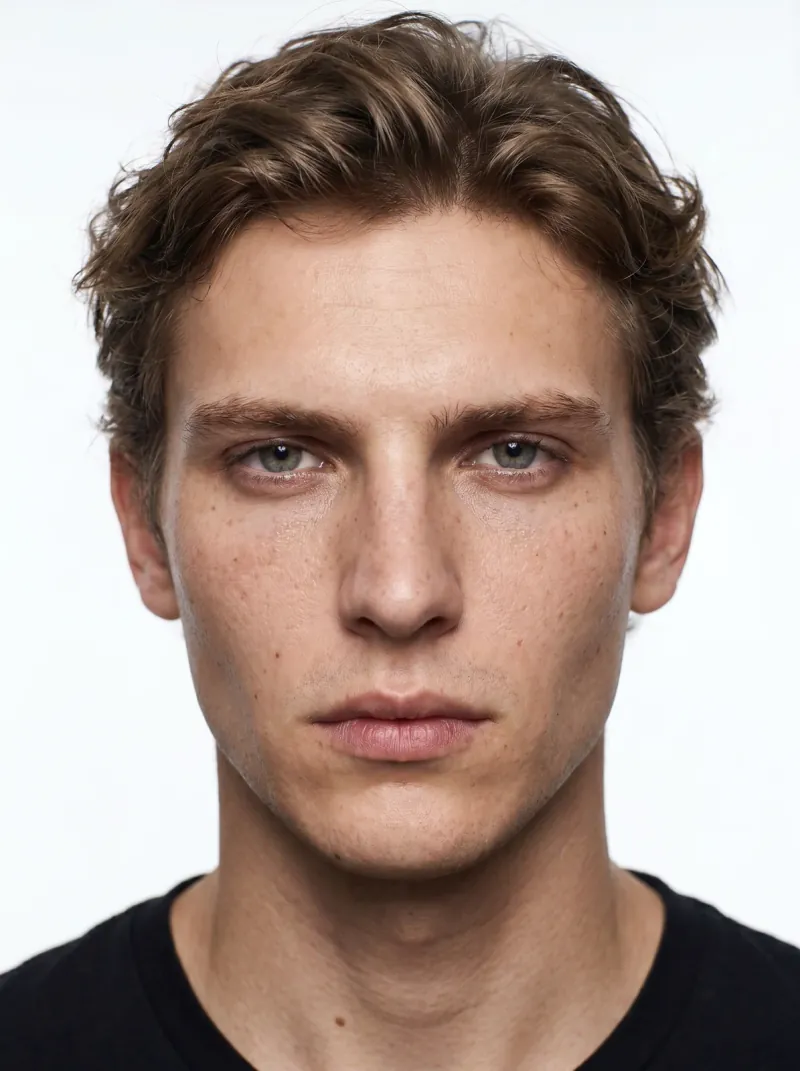
Every order includes a model from the shared roster, at no extra cost. Every product then runs through together, which is what makes the lighting, the angle and the grade match across all of them.In this walkthrough it is one face; on a real order you pick from ten, or we design one that is only yours. Run separately, the products would not match. Each image is finished by hand in professional editing tools, colour-graded to your brand, and a specialist checks fit, colour against your own photo, and framing before anything leaves.
-

-

-
-
-
You, in your account
It arrives image by image, you approve it, you download it
Every paid order lands in a portal grouped by product. Each image is approved on its own; what is not right goes back as the revision round the order carries. What you approve downloads at 2048 px on the long edge.Three products or three hundred. A revision goes back in one go, with a note saying what is wrong, while the rest of the order keeps moving; nothing waits on anything else, and nothing is final until you say so. Downloads are sized for shop listings, marketplaces and ads, with full commercial usage rights — one at a time, or the whole approved set as a zip.


-
You, on the site
You fill in the form and send your photos
Five screens: what you want made, your photos, a note on the look, when you need it, and a confirmation. Five minutes, however many products you have — and nothing is charged or booked yet.One set of choices for the whole order rather than product by product. Drag a folder in and we read the folder name as the product. Two shots per product are required, the front and the back; a detail and a worn shot are welcome if you have them. Phone photos on a table in daylight are exactly right.
-
You, on the site
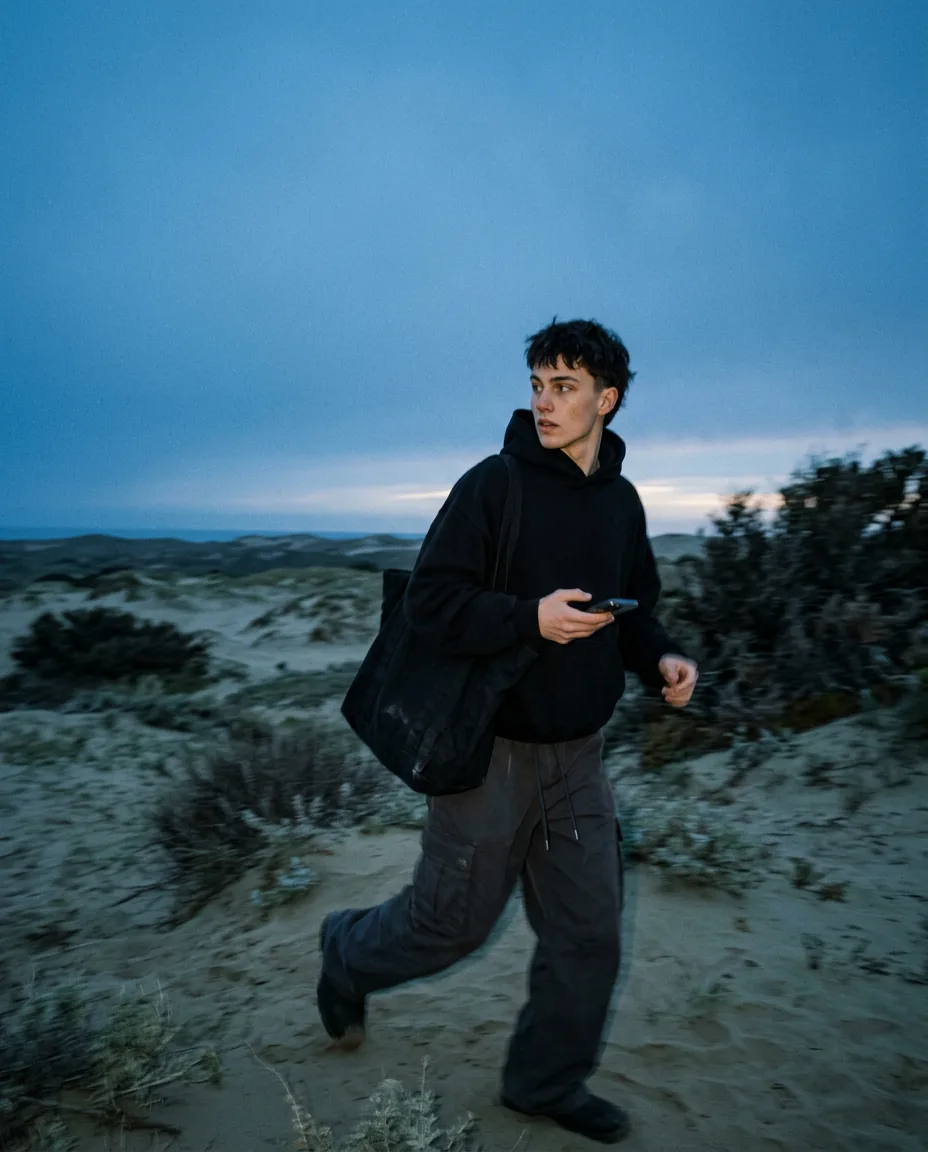
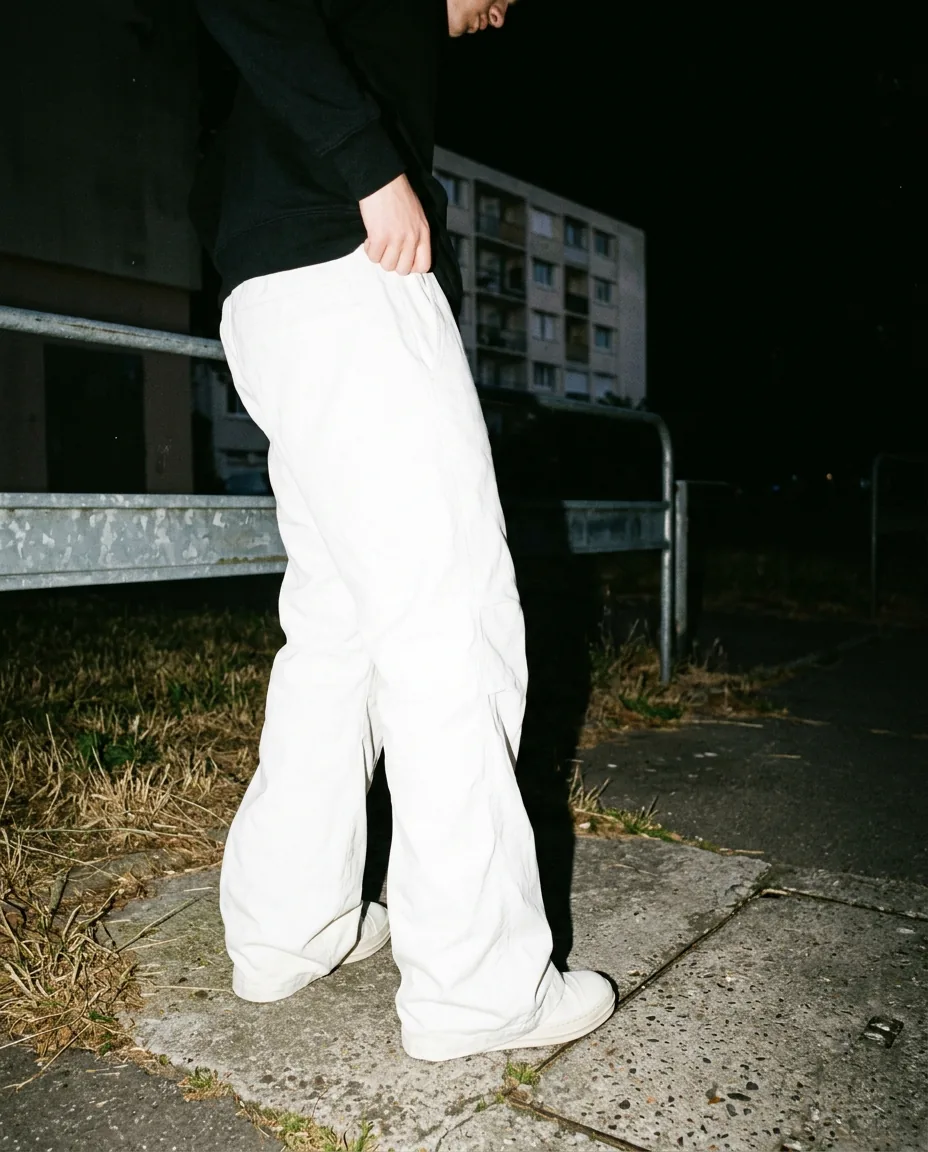
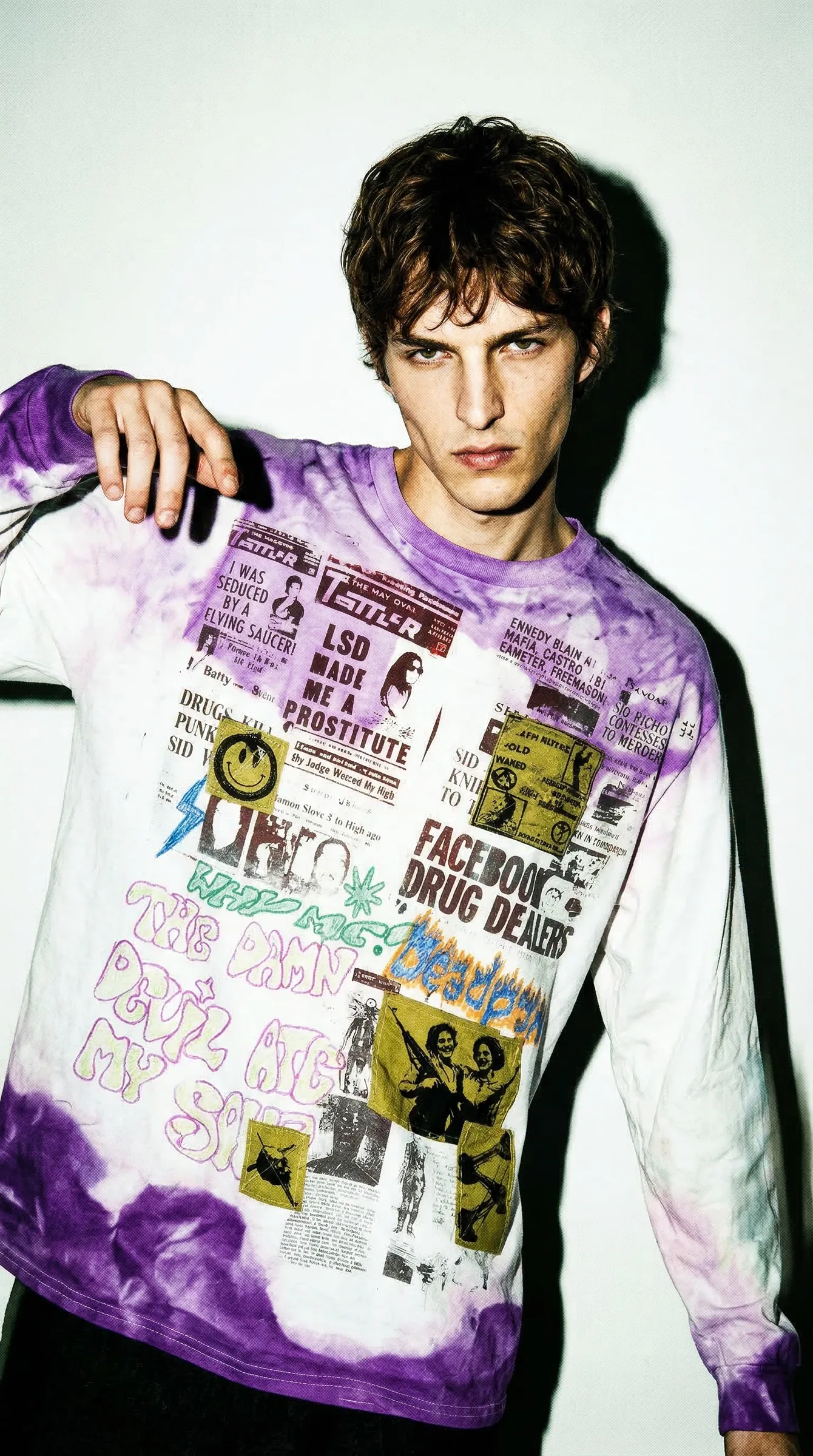
You choose the look
One choice, applied to the whole order — that is what makes twenty products come back looking like one shoot.Which is why it is chosen up front rather than per image. Choosing per image turns one order into twenty separate jobs that happen to arrive together.
-
-
-
-
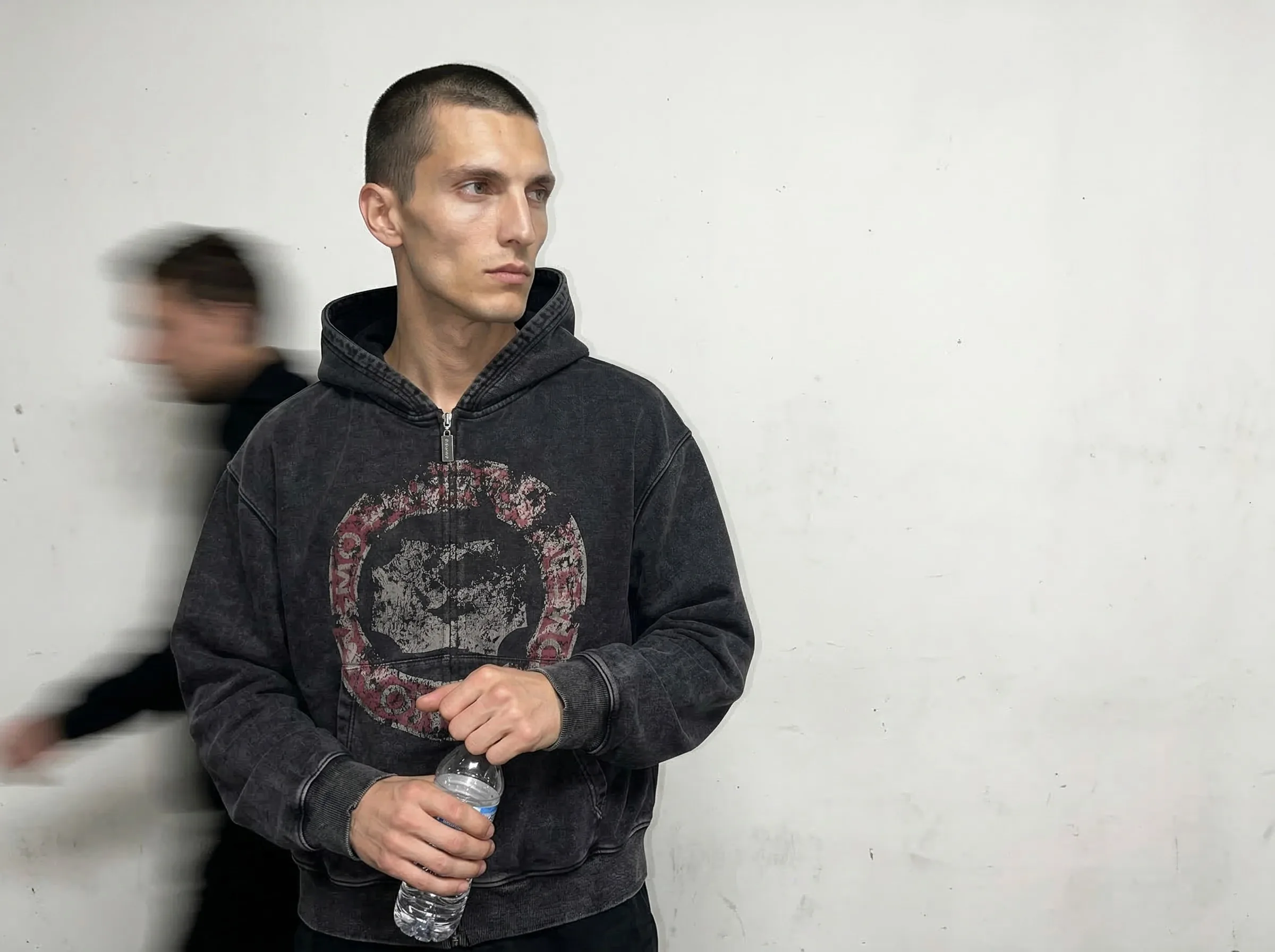
Something else in mind? A look of your own starts with a short intake at /start/custom-look; once designed, it sits as a tile of its own in this form.
-
-
Us, before you pay
We check the calendar and confirm a delivery date
From 10 products the order goes into the calendar and gets a delivery date we reserve and confirm before you pay — in writing.If the week you need cannot be held, you are told that, with the next delivery date that can. No date is invented to keep an order. Below 10 products there is no delivery date to reserve: the order runs in the normal turnaround: as soon as it is ready (often within a day, sometimes a few days).
-
You, by email
You pay, and production starts
A confirmation email arrives with the payment link. The order does not enter production until that payment is completed.The invoice follows automatically, and from that moment the order is visible in your account with its own timeline.
-
Us, in production
A face is added, and every product runs as one batch
Every order includes a model from the shared roster, at no extra cost. Every product then runs through together, which is what makes the lighting, the angle and the grade match across all of them.In this walkthrough it is one face; on a real order you pick from ten, or we design one that is only yours. Run separately, the products would not match. Each image is finished by hand in professional editing tools, colour-graded to your brand, and a specialist checks fit, colour against your own photo, and framing before anything leaves.
-
-
-
-
-
You, in your account
It arrives image by image, you approve it, you download it
Every paid order lands in a portal grouped by product. Each image is approved on its own; what is not right goes back as the revision round the order carries. What you approve downloads at 2048 px on the long edge.Three products or three hundred. A revision goes back in one go, with a note saying what is wrong, while the rest of the order keeps moving; nothing waits on anything else, and nothing is final until you say so. Downloads are sized for shop listings, marketplaces and ads, with full commercial usage rights — one at a time, or the whole approved set as a zip.


-
You, on the site
You fill in the form and send your photos
Five screens: what you want made, your photos, a note on the look, when you need it, and a confirmation. Five minutes, however many products you have — and nothing is charged or booked yet.One set of choices for the whole order rather than product by product. Drag a folder in and we read the folder name as the product. Two shots per product are required, the front and the back; a detail and a worn shot are welcome if you have them. Phone photos on a table in daylight are exactly right.
-
You, on the site
You choose the look
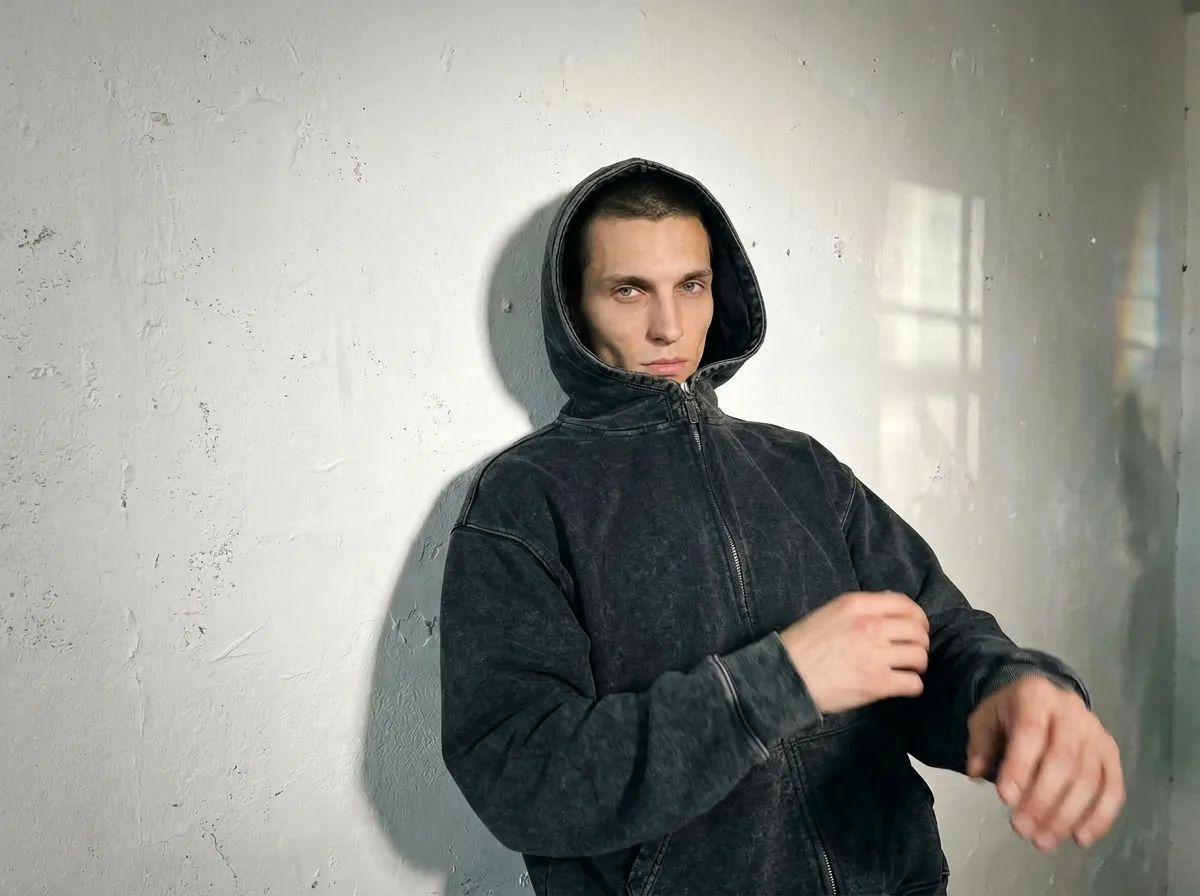
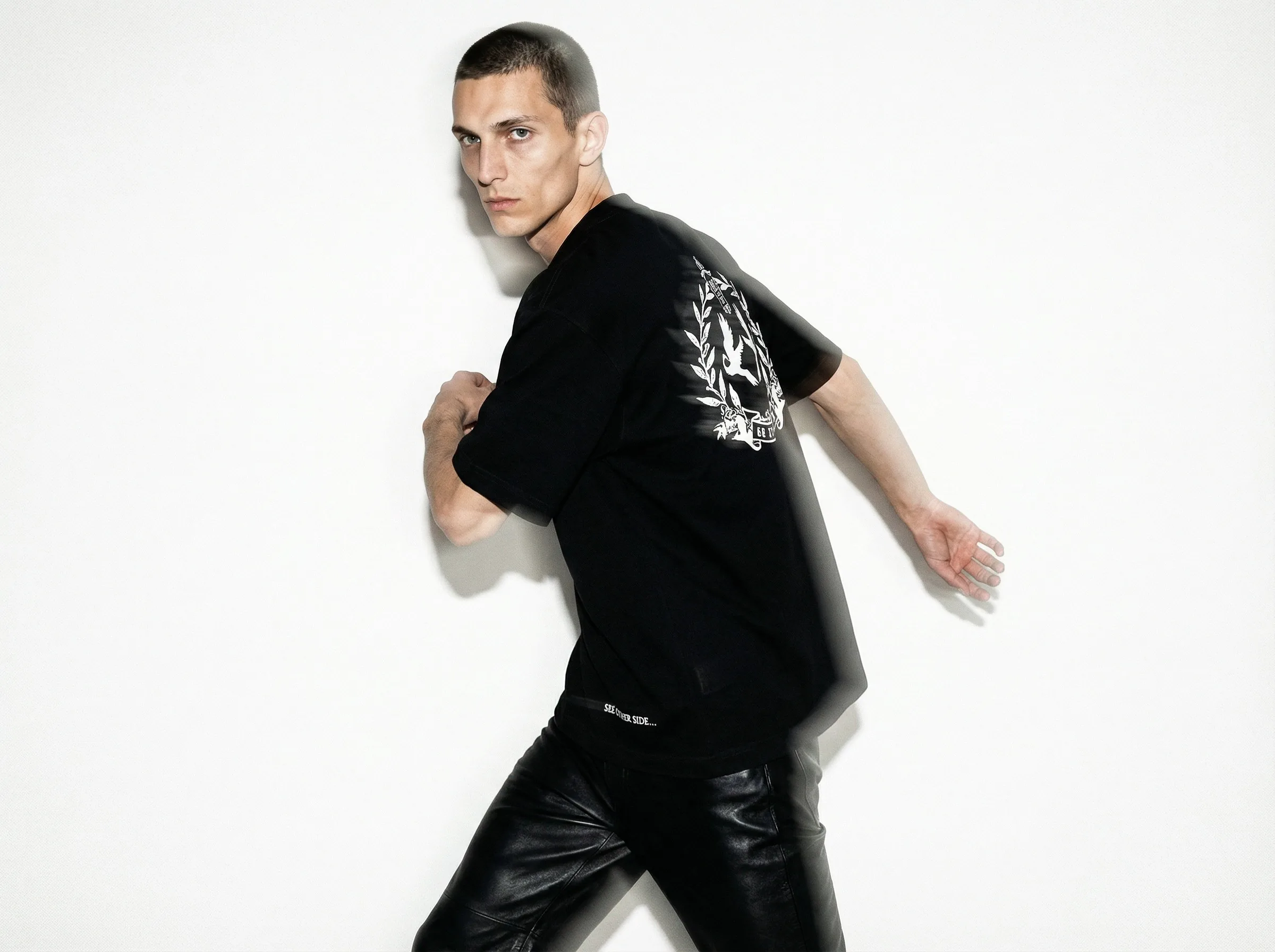
One choice, applied to the whole order — that is what makes twenty products come back looking like one shoot.Which is why it is chosen up front rather than per image. Choosing per image turns one order into twenty separate jobs that happen to arrive together.
-
-
-
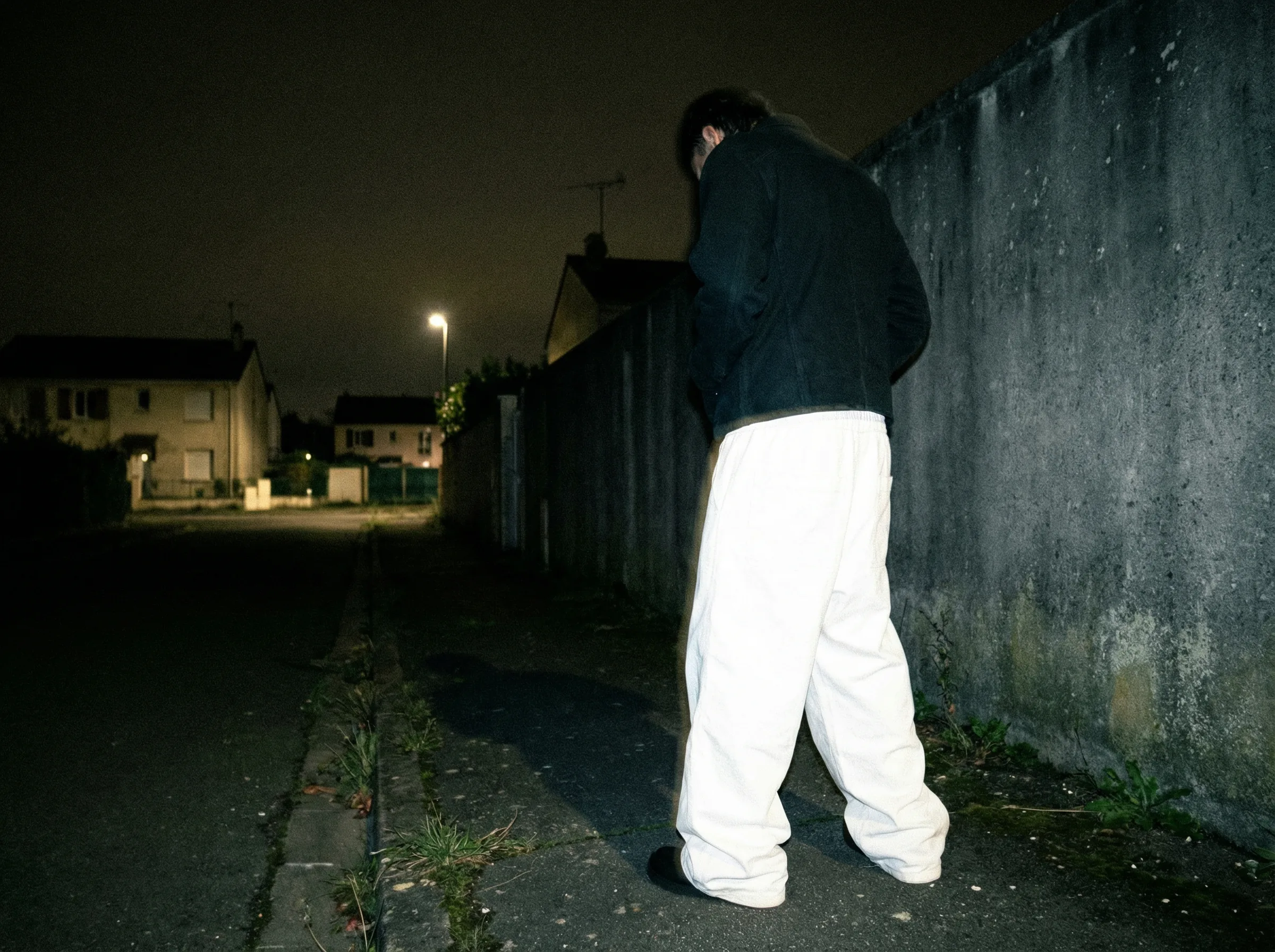
Something else in mind? A look of your own starts with a short intake at /start/custom-look; once designed, it sits as a tile of its own in this form.
-
-
Us, before you pay
We check the calendar and confirm a delivery date
From 10 products the order goes into the calendar and gets a delivery date we reserve and confirm before you pay — in writing.If the week you need cannot be held, you are told that, with the next delivery date that can. No date is invented to keep an order. Below 10 products there is no delivery date to reserve: the order runs in the normal turnaround: as soon as it is ready (often within a day, sometimes a few days).
-
You, by email
You pay, and production starts
A confirmation email arrives with the payment link. The order does not enter production until that payment is completed.The invoice follows automatically, and from that moment the order is visible in your account with its own timeline.
-
Us, in production
A face is added, and every product runs as one batch
Every order includes a model from the shared roster, at no extra cost. Every product then runs through together, which is what makes the lighting, the angle and the grade match across all of them.In this walkthrough it is one face; on a real order you pick from ten, or we design one that is only yours. Run separately, the products would not match. Each image is finished by hand in professional editing tools, colour-graded to your brand, and a specialist checks fit, colour against your own photo, and framing before anything leaves.
-
-
-
-
-
You, in your account
It arrives image by image, you approve it, you download it
Every paid order lands in a portal grouped by product. Each image is approved on its own; what is not right goes back as the revision round the order carries. What you approve downloads at 2048 px on the long edge.Three products or three hundred. A revision goes back in one go, with a note saying what is wrong, while the rest of the order keeps moving; nothing waits on anything else, and nothing is final until you say so. Downloads are sized for shop listings, marketplaces and ads, with full commercial usage rights — one at a time, or the whole approved set as a zip.


Stand-in images — the walkthrough set is still being shot. Every frame here was made earlier for a real order; nothing is generated while you look at it.

More than AI. Finished by hand.
We build every image ourselves. Generating is one of the steps — then it goes through a pair of hands: finished in professional editing software, colour graded to your brand. Then a specialist checks three things: does the product match your own photo, do all the images look the same, and is the framing right.
- Professional editing & retouch
- Colour grading to your brand
- Every visual is made by us and carefully checked.
You approve it, image by image.
An order of 10 products or more does not arrive as a zip file and a hope. The same Studio, plus a dedicated order page tracking every step with key dates.
Smaller orders work differently and more simply. View, download, and approve everything right in VISUAILS Studio, or use the direct link sent via email or WhatsApp.
Want to see more of the inner workings? The studio day and the calendar · Who is behind it
Your order, image by image
- Approved by you
- Sent back with a note
- Still coming
The details that matter
- Turnaround From 10 products: a delivery date we reserve and confirm before you pay. Below that: as soon as it is ready (often within a day, sometimes a few days), standard turnaround — estimated delivery, no fixed date.
- If something is off Satisfaction check: 1 revision round included per order, to be requested within 7 days of delivery.
- Consistency Same lighting, same angle, same grade across every product in the order. Running them together is what makes that possible.
- Two ways in On-site, or WhatsApp — whichever suits you. The same production either way.
- Your rights Full commercial usage rights to everything we deliver. Read the terms.
One order, every place it has to go.
A season of 30 products is 7 images each — 210 finished images, cut for where they have to sit.
- Product page heroOn white or in scene
- Product page gridFront, back and a fabric detail
- On-model shotIn every catalog set
- Instagram carouselThree styled frames per product
- Reels and TikTokVertical clips, added per clip to any order
- Paid socialThe same look in ad crops
- MarketplacesFor the likes of Zalando, Amazon and bol
- Email and linesheetsWide crops for newsletters and wholesale
You pick the aspect ratio for these when you order, and every image arrives as jpg, png and webp.
Still have a question?
The FAQ answers the practical ones; the longer reads — how to shoot the photo you send us, what a shoot day actually costs — are in the guides.
One of your own products, as a catalog set or a carousel.
One test sample per business — €1 excl. VAT, no commitment. It runs through the same production as a paid order.
Try VISUAILS · €1 Start an order WhatsApp
All figures are excl. VAT. We charge 21% VAT for orders within the Netherlands. If you’re an EU business based elsewhere, enter a valid VIES VAT number to receive 0% reverse-charged VAT. Non-EU customers won’t be charged EU VAT.